title

Guide: the quote → order → invoice flow in the CRM

Guide: the quote → order → invoice flow in the CRM

Ecosmartportal · illustration

Mürsel GüleviUpdated: 1 min read
Mürsel Gülevi
Eklenme:23 Kasım 2026
Güncellenme:24 Kasım 2026
26

Guide: the quote → order → invoice flow in the CRM

Turn a request from your site's form into a deal, the deal into a quote, and the accepted quote into an order and an invoice, all in the same customer record.

In Ecosmartportal CRM, sales documents are derived from each other: you enter the information once and each document is created from the previous one.
Details

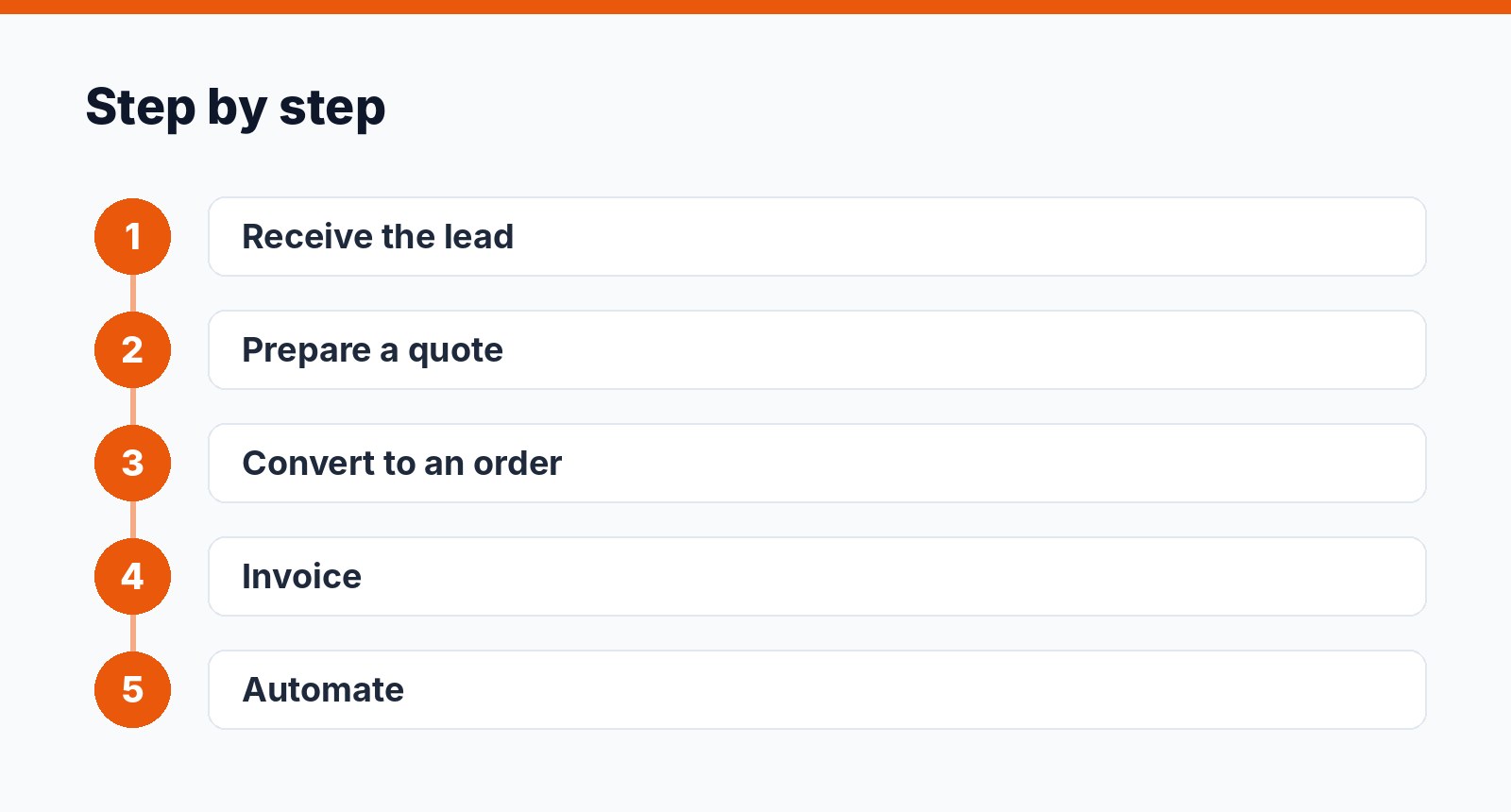
1. Receive the lead: A submission from the quote form appears in the CRM as a contact and a deal.

2. Prepare a quote: Create a quote from the deal; add line items, choose the document template and send it as a PDF.

3. Convert to an order: When the customer accepts, convert the quote into an order in one click.

4. Invoice: Create the invoice from the order; match payments with bank transactions.

5. Automate: For example, add an automation rule that opens a task or notifies the team when a quote is accepted.

Tip

On the customer 360 screen you see all of a customer's quotes, orders and invoices in one list.

Kaynak: Ecosmartportal

Reader comments

Write a comment →
Write a comment

No comments yet.

Eko-Ses'in içeriklerini nasıl değerlendiriyorsunuz?

1. Eko-Ses'in içeriklerini nasıl değerlendiriyorsunuz?
Share this survey
WhatsApp X Facebook
Eko-ses’in En İyilerini Keşfedin
Eko-ses’i keşfet
Ekoses, Ekolojik Yaşam ve Mimarlık Portalı,
Sürdürülebilir tasarım, çevre dostu mimarlık, ekolojik yaşam ve teknolojiyi bir araya getiren bir platformuz. Ekolojik yaşamı benimseyen herkes için bilgi, yenilik ve ilham kaynağı olmayı hedefliyoruz. 🌿
E-Posta: ekoses_mimarlik@hotmail.com
BÜLTEN ABONELİĞİ

Bültenimize kaydolarak yeni ürünlerimizden veya kampayalarımızdan haberdar olun.