title

Guide: open your ad space for sale with AdManager

Guide: open your ad space for sale with AdManager

Ecosmartportal · illustration

Mürsel GüleviUpdated: 1 min read
Mürsel Gülevi
Eklenme:23 Kasım 2026
Güncellenme:24 Kasım 2026
25

Guide: open your ad space for sale with AdManager

Define a placement, put it on your site, open the booking calendar and let advertisers set up their campaigns from their own portal.

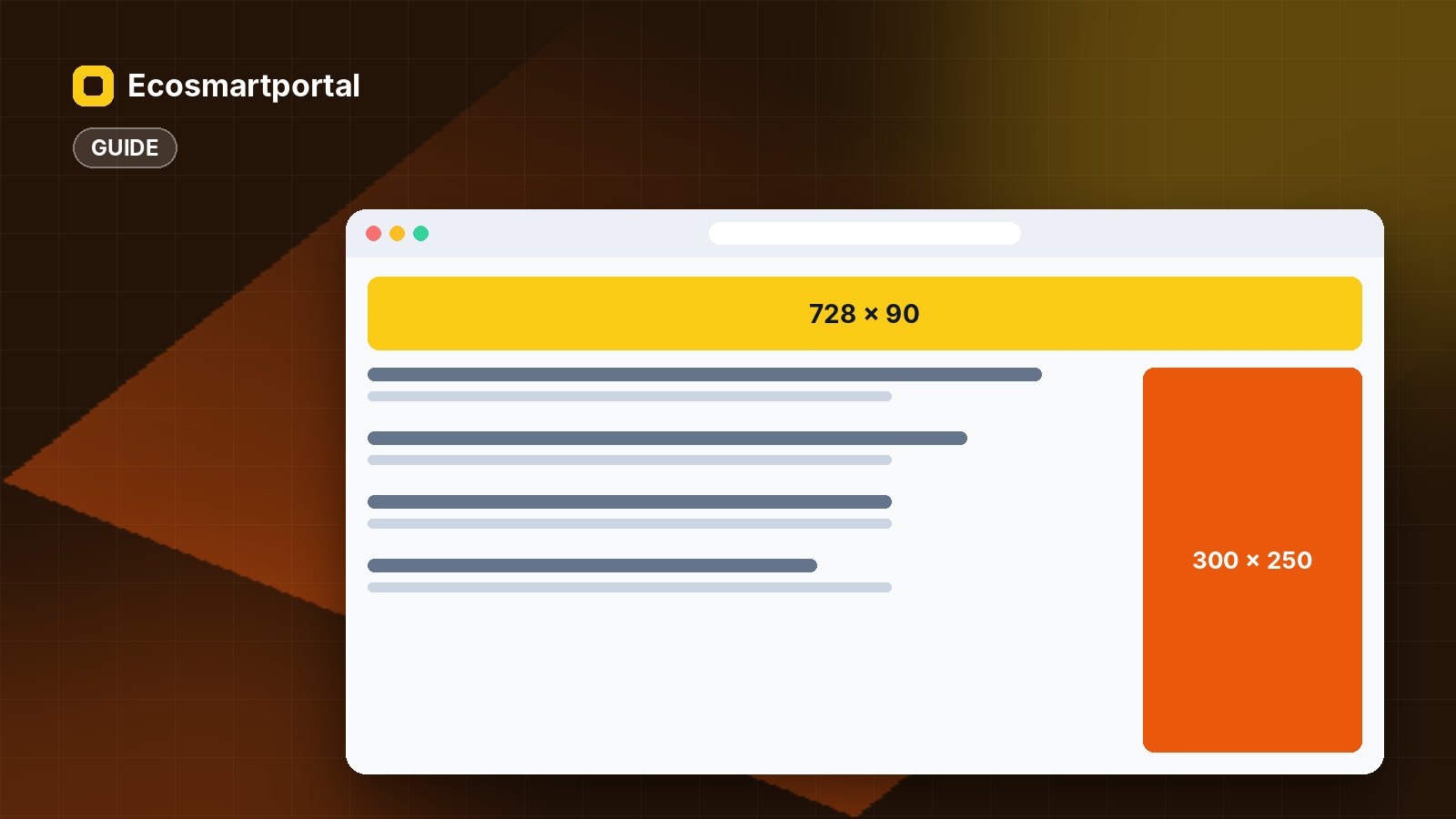
In AdManager, what you sell is a placement (zone). You define it once and place it on the page; campaigns are served in these placements.
Details

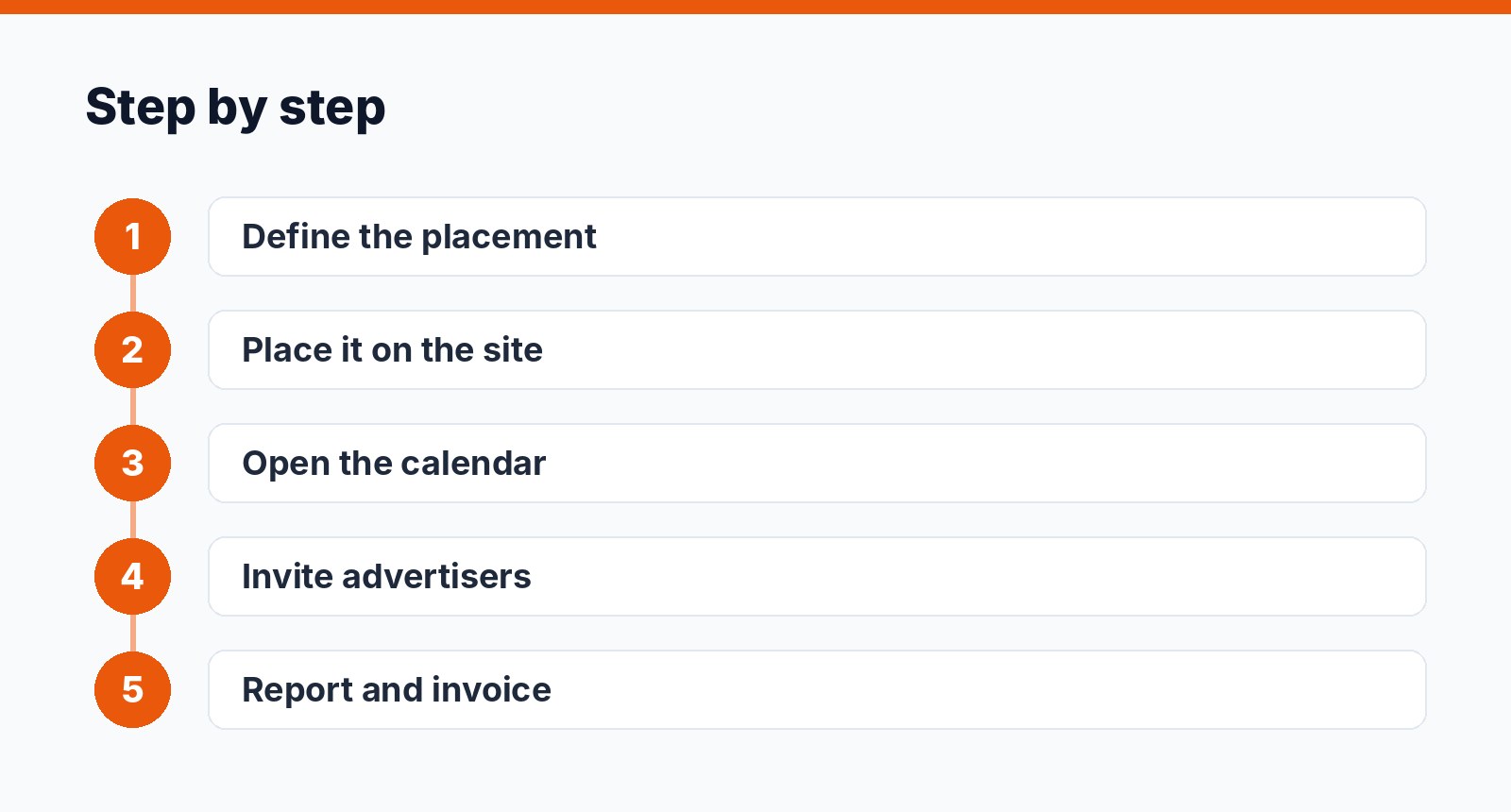
1. Define the placement: In AdManager › Zones set the size, format and pricing model.

2. Place it on the site: In the theme+editor">theme editor add the ad widget to the row you want and choose the zone.

3. Open the calendar: In the booking calendar set the dates the placement is available for sale.

4. Invite advertisers: Advertisers upload campaigns and creatives from their own portal; you approve them.

5. Report and invoice: Share impression and click reports and issue the invoice from the panel.

Tip

For impressions you have not sold directly, switch on the Prebid / OpenRTB connection so the placement never stays empty.

Kaynak: Ecosmartportal

Reader comments

Write a comment →
Write a comment

No comments yet.

Eko-Ses'in içeriklerini nasıl değerlendiriyorsunuz?

1. Eko-Ses'in içeriklerini nasıl değerlendiriyorsunuz?
Share this survey
WhatsApp X Facebook
Eko-ses’in En İyilerini Keşfedin
Eko-ses’i keşfet
Ekoses, Ekolojik Yaşam ve Mimarlık Portalı,
Sürdürülebilir tasarım, çevre dostu mimarlık, ekolojik yaşam ve teknolojiyi bir araya getiren bir platformuz. Ekolojik yaşamı benimseyen herkes için bilgi, yenilik ve ilham kaynağı olmayı hedefliyoruz. 🌿
E-Posta: ekoses_mimarlik@hotmail.com
BÜLTEN ABONELİĞİ

Bültenimize kaydolarak yeni ürünlerimizden veya kampayalarımızdan haberdar olun.