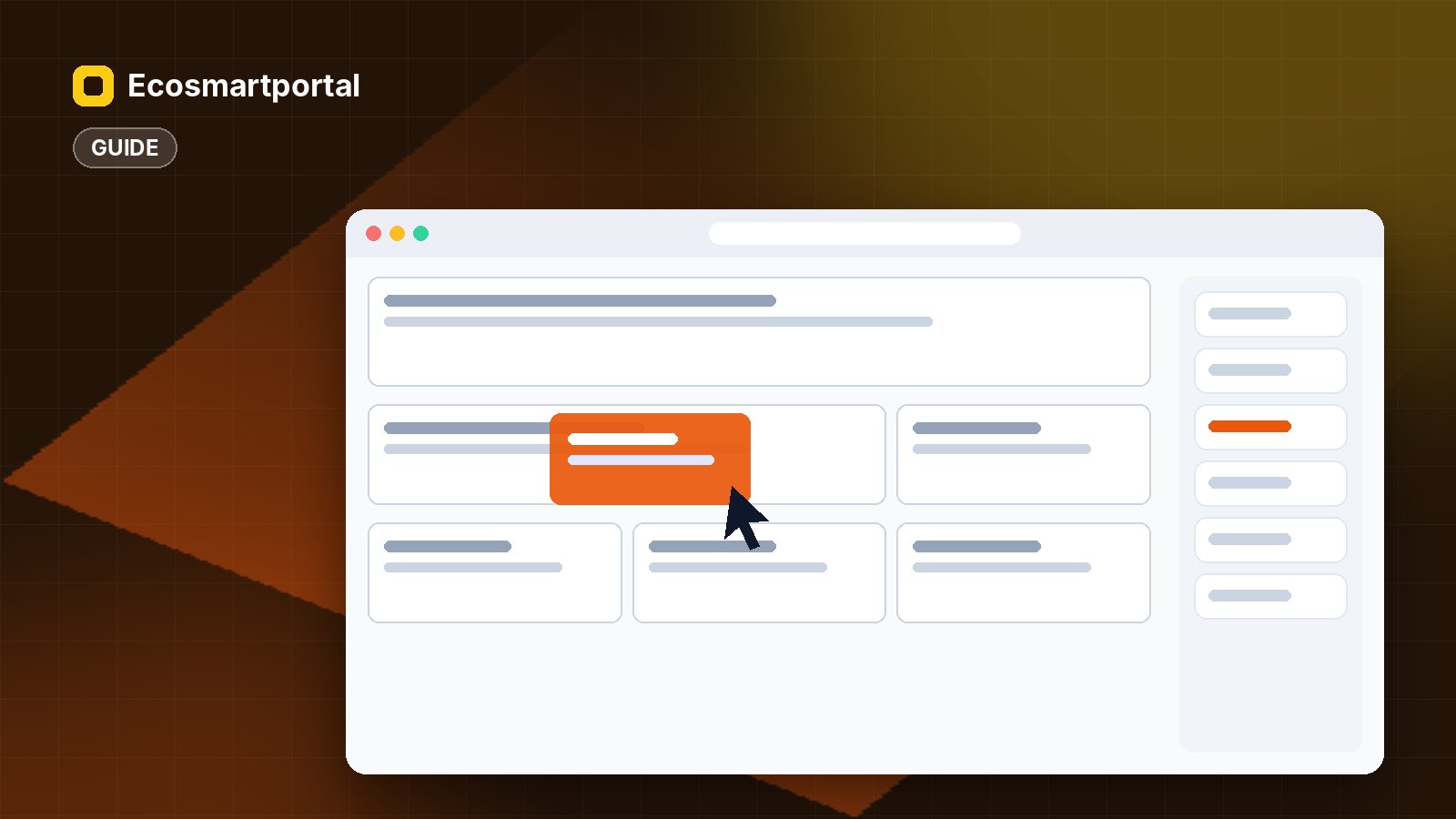
The layout wizard builds the rows and widgets of your home page in the style or sector you choose. The result is saved to the library first; your site layout does not change until you approve it.
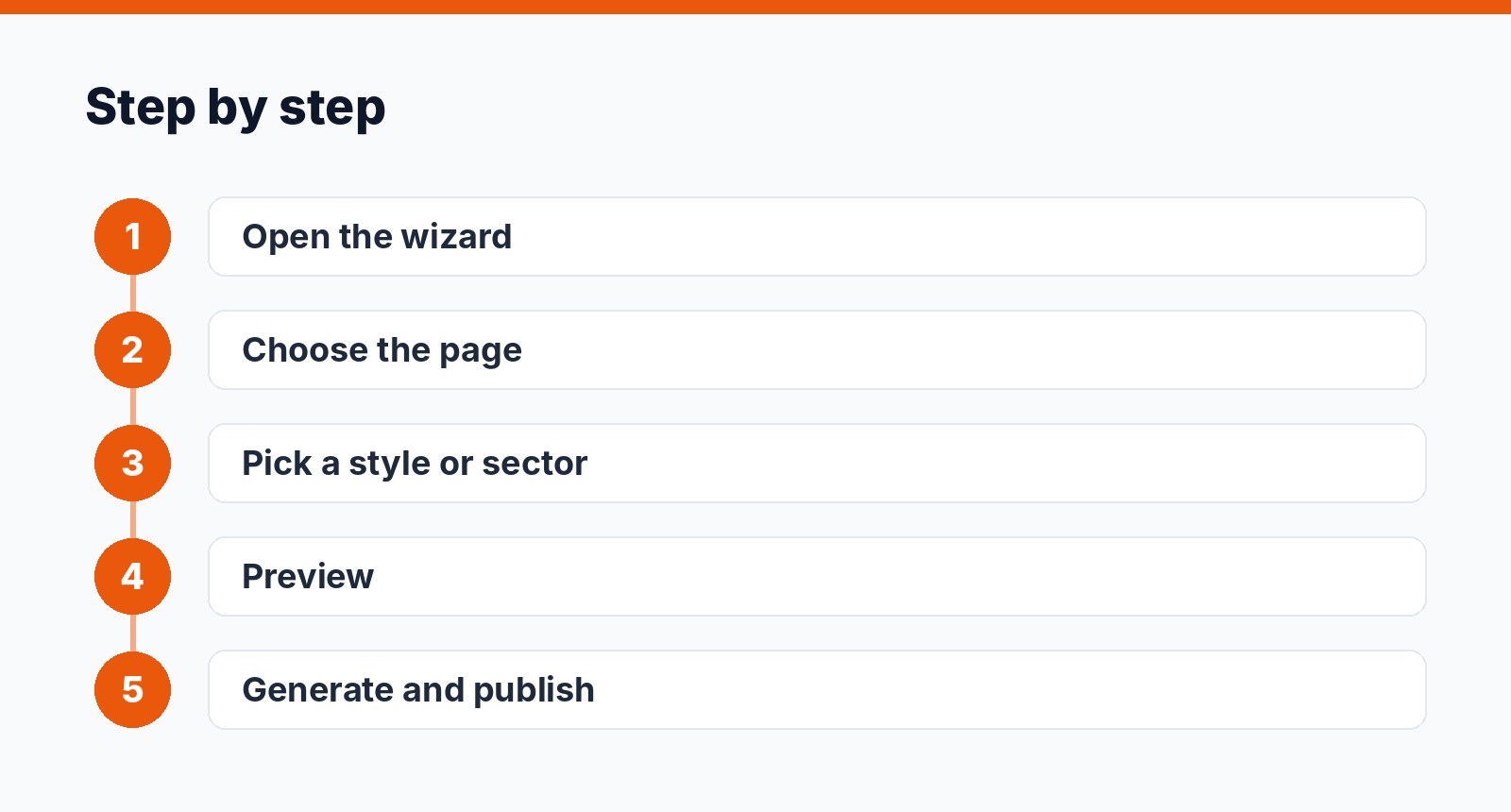
1. Open the wizard: In the admin panel go to Themes › choose the theme › Layout wizard.
2. Choose the page: Select «core_modules/pages/home_page»; sector layouts are meant for the home page.
3. Pick a style or sector: For a news site choose magazine, newspaper or hybrid; for a business choose one of the 14 sector cards.
4. Preview: Use «Preview» to see the result with your real header and footer; adjust bands, spacing and width in the advanced settings if needed.
5. Generate and publish: «Generate this layout» saves it to the library; applying it from the library refreshes the home page.
The wizard finds your existing partner, contact and quote form settings and reuses them in the new layout. If the partner list is empty, that section is left out.
Bültenimize kaydolarak yeni ürünlerimizden veya kampayalarımızdan haberdar olun.