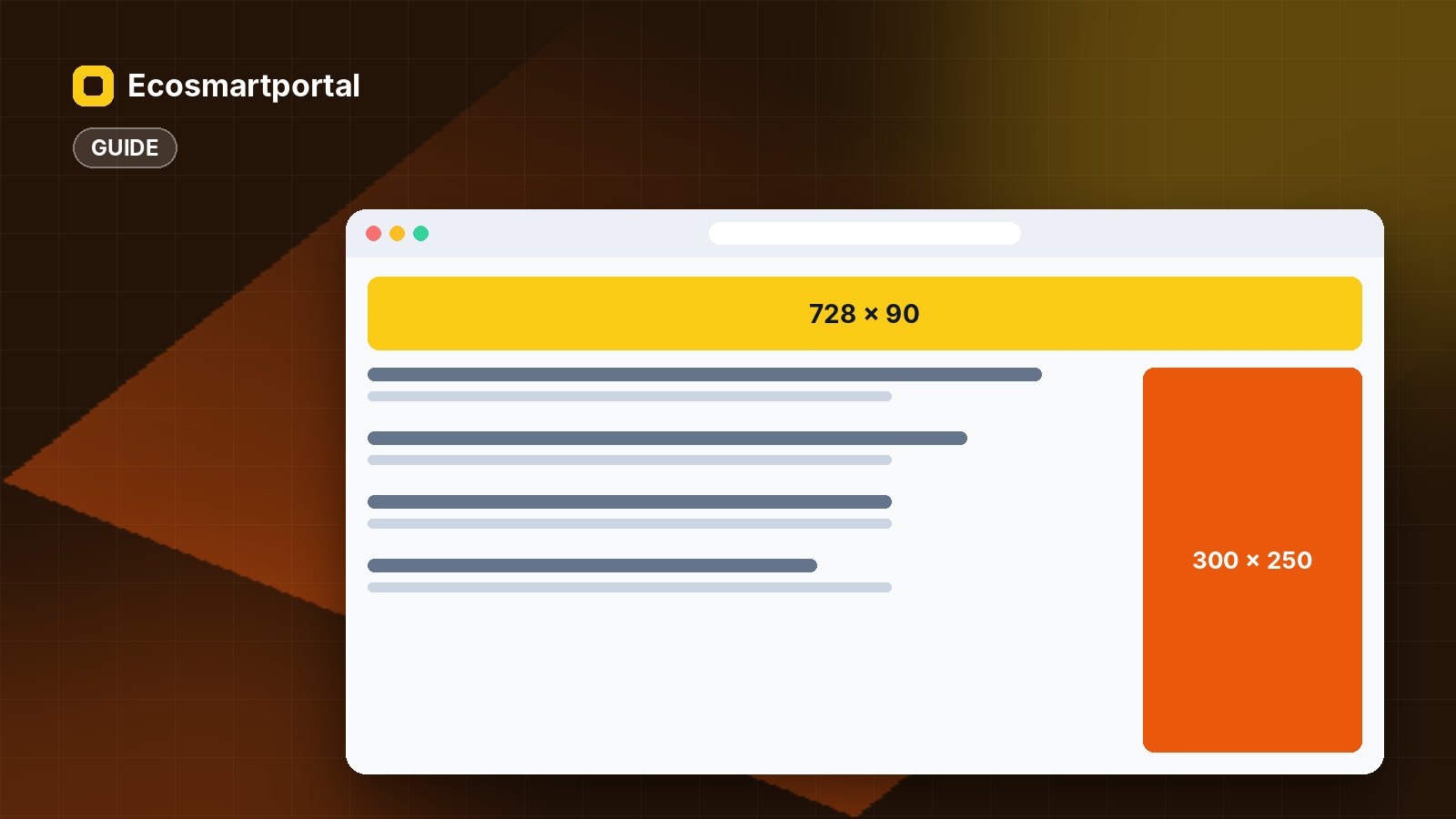
In AdManager, what you sell is a placement (zone). You define it once and place it on the page; campaigns are served in these placements.
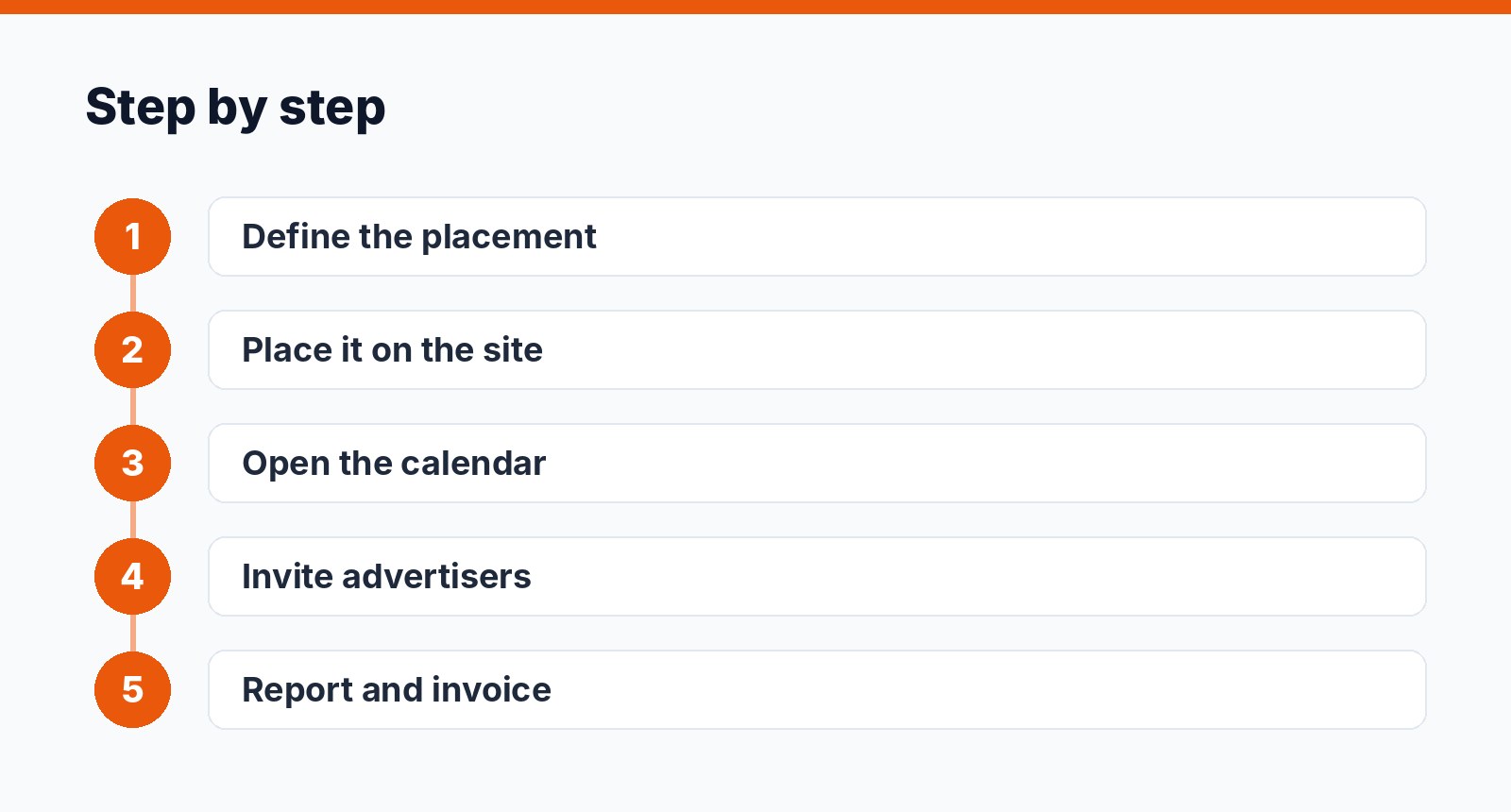
1. Define the placement: In AdManager › Zones set the size, format and pricing model.
2. Place it on the site: In the theme+editor">theme editor add the ad widget to the row you want and choose the zone.
3. Open the calendar: In the booking calendar set the dates the placement is available for sale.
4. Invite advertisers: Advertisers upload campaigns and creatives from their own portal; you approve them.
5. Report and invoice: Share impression and click reports and issue the invoice from the panel.
Bültenimize kaydolarak yeni ürünlerimizden veya kampayalarımızdan haberdar olun.